

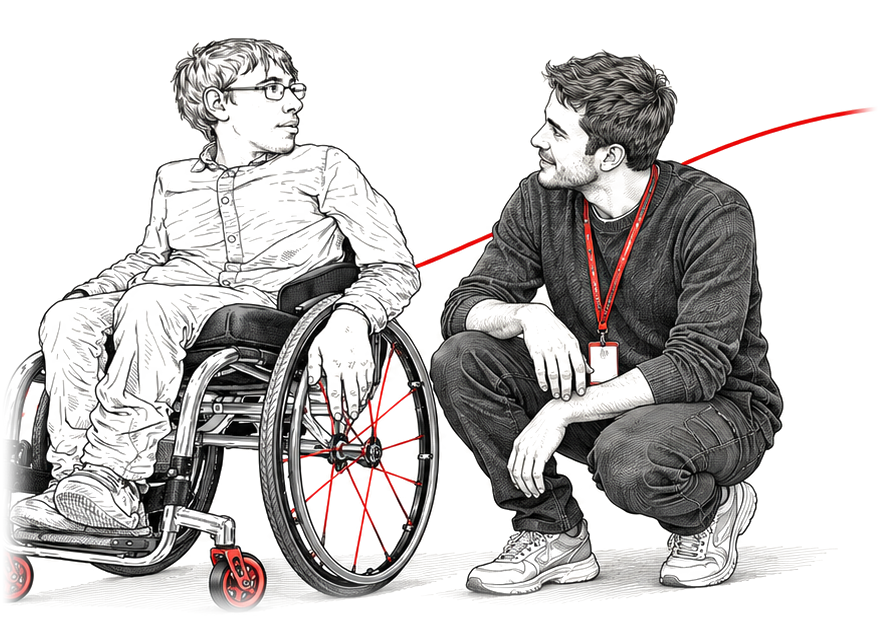

Inclusive by design
Clear structure, keyboard access, meaningful labels and accessible learning interactions are built into the platform.
Accessibility
Beyond Care is designed to be as accessible and inclusive as possible so everyone can take part, no matter their ability, experience or the technology they use.
Once you log in, accessibility settings let you adjust the learning experience without changing your course content, progress or results.
Clear structure, keyboard access, meaningful labels and accessible learning interactions are built into the platform.

Adjust interface scale, contrast, motion, focus states, captions, transcripts and other presentation preferences.

Beyond Care is designed for desktop, tablet and mobile, with responsive layouts and accessible navigation.

Accessibility is an ongoing process. Feedback helps us identify barriers and improve the experience.
Your settings, your pace
Reduced motion, high contrast, larger text and captions are all available from your account. Every course, assessment and certificate stays exactly the same whichever settings you choose.
Tell us about a barrier